
☀️ Good afternoon!
What are we working on?
Time tracking for independent work
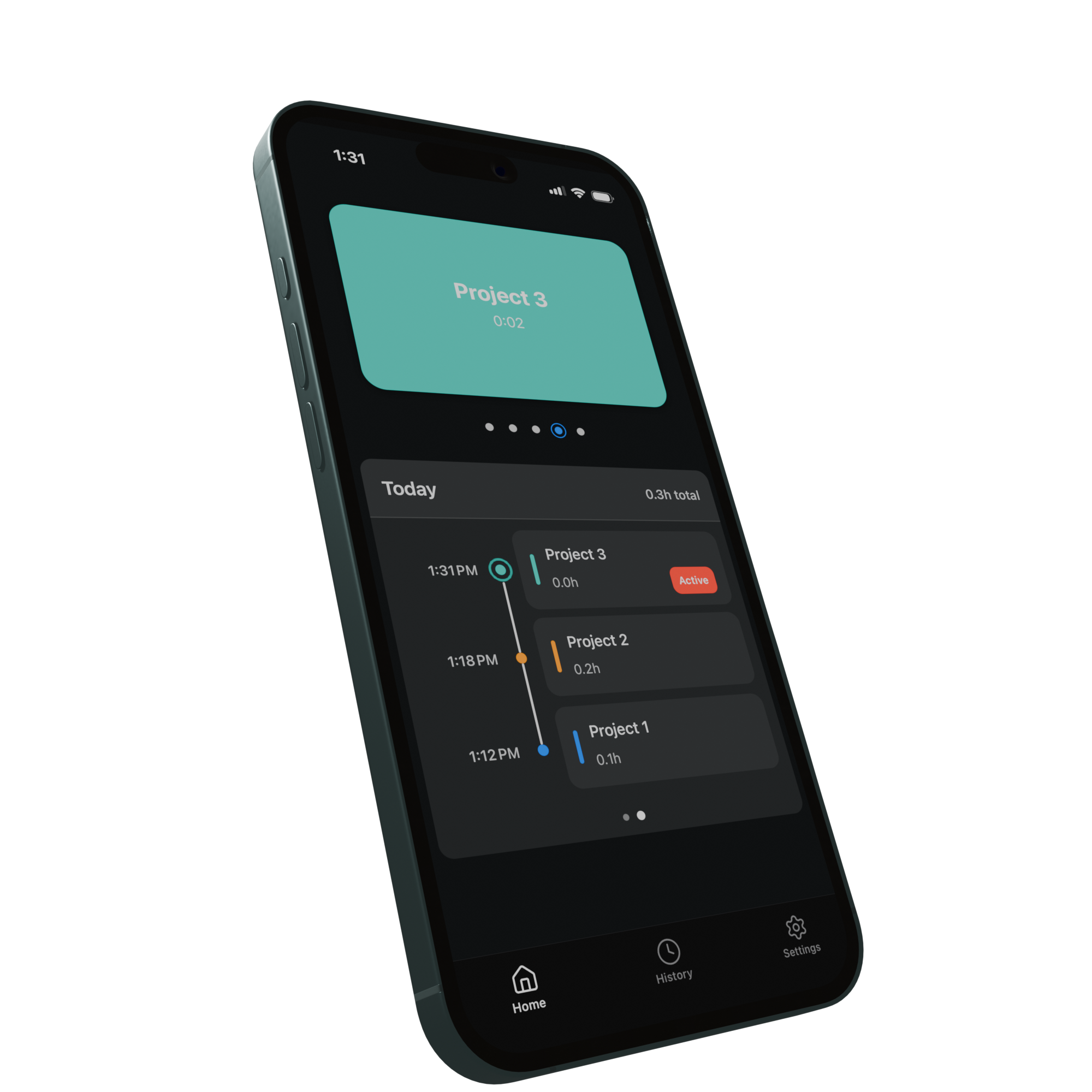
Start work, switch projects, and review your day without digging through menus. Freshtime keeps the mechanics of timekeeping quiet.
A lighter workflow
Start once, swipe when the work changes, and finish when you’re done. Freshtime builds the timeline as you go.
Bring a project into view and its timer starts.
Move to another project. Freshtime stops the previous timer and starts the next.
End the day with a complete timeline ready to review.
Switch without stopping
Move to another project and Freshtime records the handoff automatically. Swipe or drag the demo below to try it.
A clear timeline
Every switch becomes a clear entry on your timeline. Review the day, correct anything that changed, and move on—without reconstructing your hours from memory.
Free means free
No trial period. No locked features. No payment required to remove ads.
Everything Freshtime can do is available from the moment you open it. Nothing is held back.
There is no paid plan, upgrade screen, or better version reserved for subscribers.
Prefer Freshtime without ads? Turn them off completely in settings. It will not cost you anything.
Public beta
Freshtime is free on iPhone and Android. No account required.
Get the public beta